




Customer portal
The customer portal is a web app at /utility-billing for prospective and current tenants. Sign in, sign up and password reset use the site’s standard accounts. Sign up is available only when the site allows it.
Who sees what
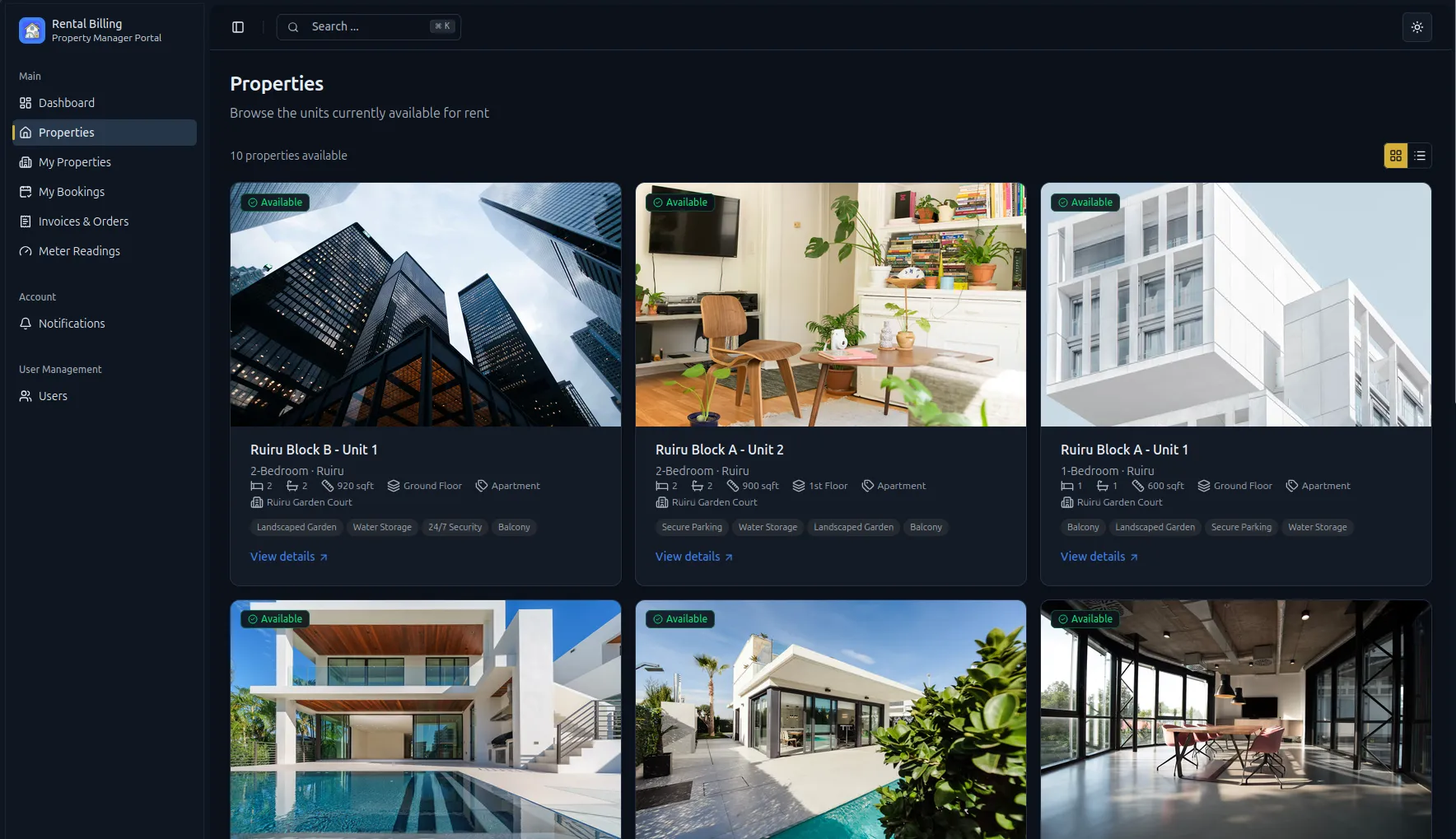
- Visitors who are not signed in can browse available units and open their details and gallery.
- A signed in user becomes a tenant when they are listed as a portal user on a Customer.
- Tenants see their units grouped as Reserved (contract not yet signed), Active or History.
- For their own units, tenants also see the tenancy summary, the invoiced, paid and outstanding totals, and related meter readings, service requests, orders, invoices and payments.
- Every view is limited to the tenant’s own customer records.
Book a unit
- From an available unit, choose the lease dates and send a booking.
- This creates a draft service request for staff to review. The unit stays available until staff submit it, and a second pending booking for the same unit is refused.
- Before a contract exists, the tenant can change or cancel the booking. Once a contract is in place, extending it becomes a renewal request.
- Staff create and sign the contract from the service request. Signing makes the tenancy Active.
A booking is refused for a group property, for a start date in the past, or for a unit already reserved for those dates. A Company must exist before bookings are accepted.
Pay
The Invoices page lists the customer’s submitted, unpaid invoices and orders. An invoice is paid for its outstanding amount. An order is paid in advance for its unbilled balance. The tenant is sent to the payment gateway set up for the document’s company, and the gateway records the payment. A Payment Gateway Account must exist for each company.
Support
Tenants can raise a support ticket from a booking or from one of their units, follow the replies and answer them. Tickets are standard Issues, linked to the property and request.
Notifications
The portal shows the tenant’s notifications with an unread count. A reminder about outstanding payments is added every week until they are paid. Notification preferences are managed from the tenant’s account.
Appearance
Each user can switch between light and dark mode and choose one of sixteen color themes, with optional gradients and sidebar layouts. The choice is remembered in their browser.
If something does not work
See Troubleshooting.