






Bill structures
A Bill Structure is a template for a customer’s monthly bill. It lists the charges that make up the bill, and how each amount is worked out. A structure is applied to a customer through a Bill Structure Assignment (see Bill Structure Assignments).
Create a Bill Structure
- Go to Utility Bill Structure > New.
- Choose the Company and the Fiscal Year. The start and end dates fill in from the fiscal year, and you can change them.
- Tick Metered Billing if the bill depends on a meter reading, and choose the Consumption Item (for example Water).
- Add the charges in the Calculations and Charges table (see below).
- Save and submit. Only a submitted structure can be assigned or used on a reading.
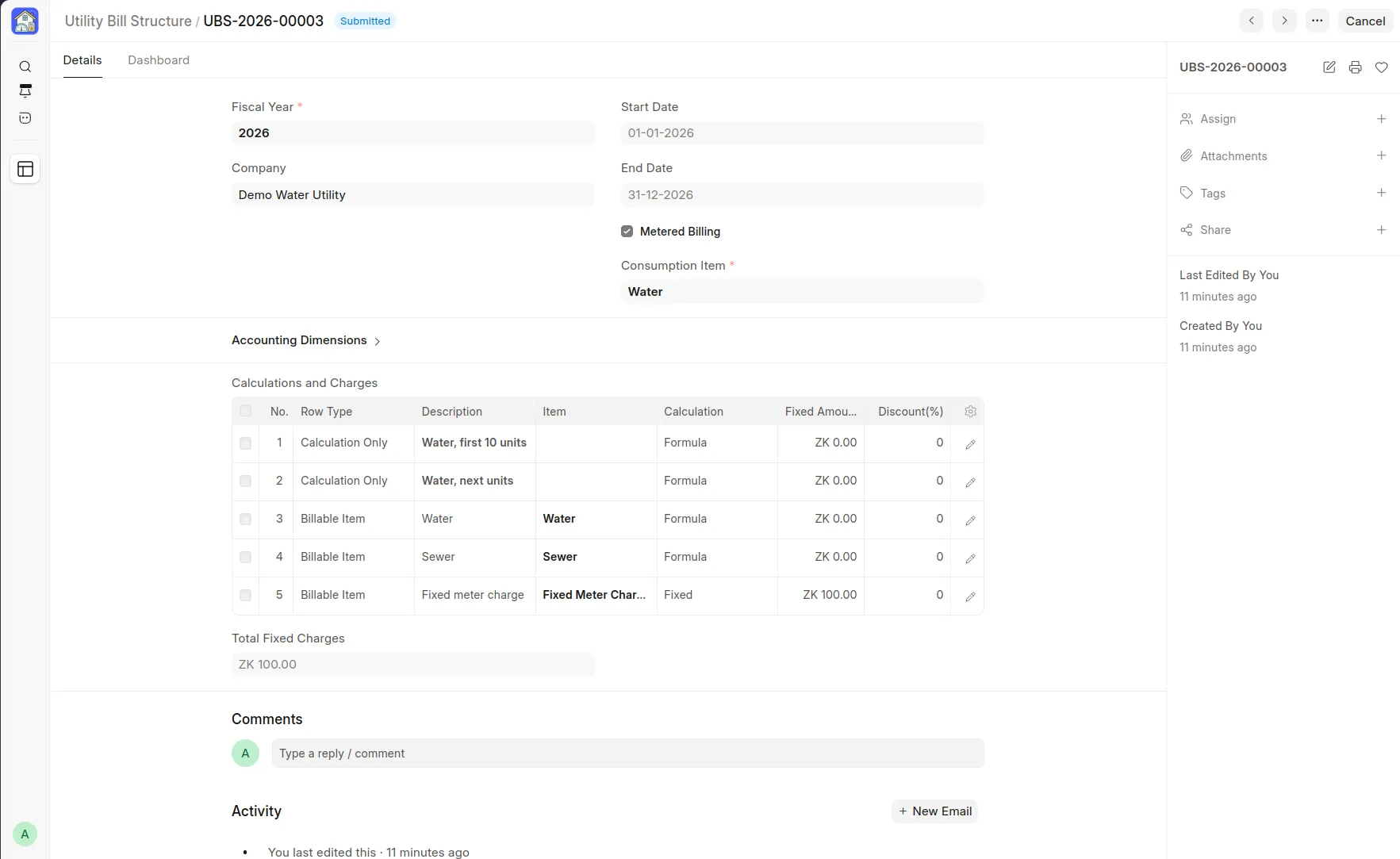
The Calculations and Charges table
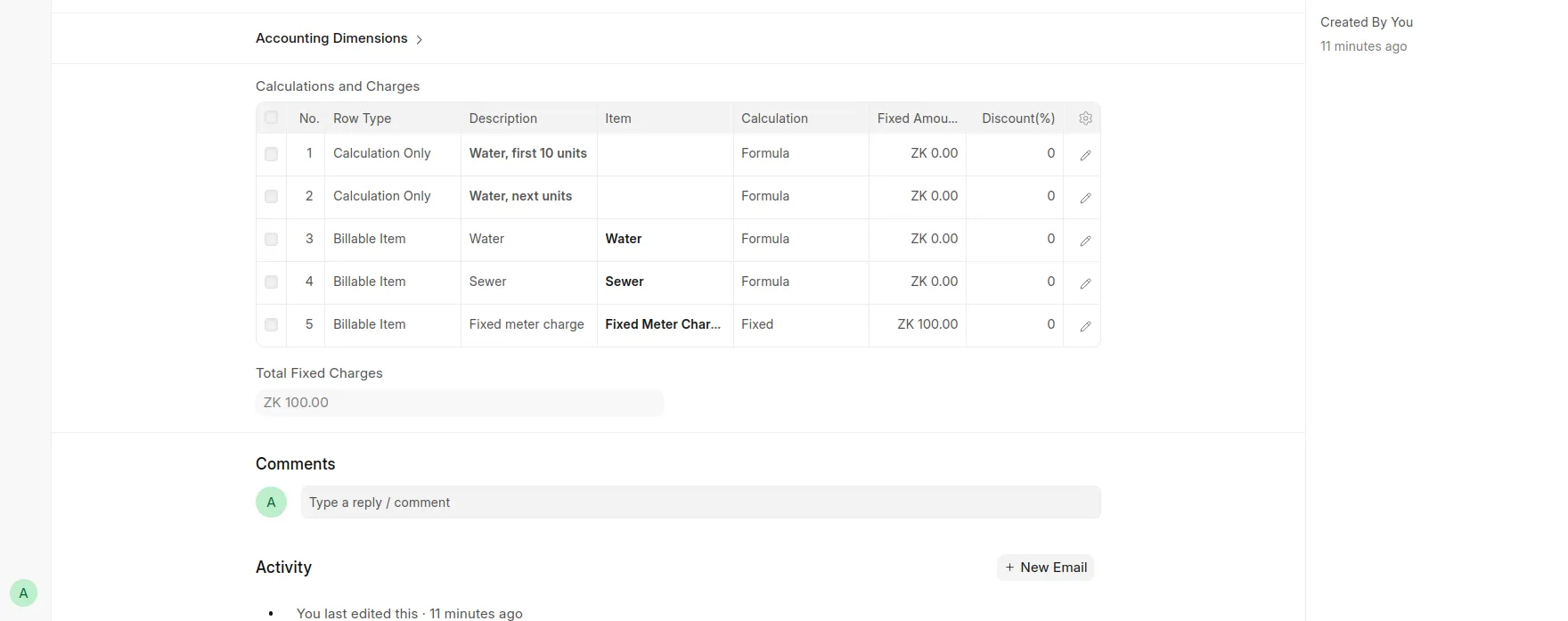
Each row is either a charge on the bill or a helper calculation:
| Row type | What it does |
|---|---|
| Billable Item | Becomes a line on the Sales Order, for the item you choose. |
| Calculation Only | Works out a value that other rows use. It never appears on the bill. |
Each row gives its amount in one of two ways:
- Fixed: a set amount, for example a fixed monthly charge.
- Formula: a calculation using the reading, for example a charge based on consumption.
Rows are worked out from top to bottom, so a row can use the result of any row above it. Give a row an Abbreviation to refer to it in later formulas. A Discount (%) reduces a billable row.
Stock and non stock items
A row for a non stock item needs only an amount, and becomes one line on the Sales Order. A row for a stock item also needs a Quantity Formula, or Stock Quantity Sources to bill each tier as its own line. The tier quantities must add up to the meter consumption.
Condition
A Condition switches a row on or off. If the condition is false, the row is 0 and does not appear on the bill. For example, consumption > 0 charges a row only when water was used. Leave it empty for rows that always apply.
Tiered charges
To charge different rates for different amounts of consumption, add Calculation Only rows that work out each tier, then a Billable Item row that adds them up.
A short example
Water is 7 per unit for the first 10 units and 9 per unit after that. Sewer is half the water amount, with a minimum of 50. The meter charge is always 100. Water is a stock item and sewer is not.
| Row | Type | Abbreviation | Calculation | Amount | Quantity |
|---|---|---|---|---|---|
| First 10 units | Calculation Only | W1 | Formula | min(consumption, 10) * 7 |
min(consumption, 10) |
| Next units | Calculation Only | W2 | Formula | max(consumption - 10, 0) * 9 |
max(consumption - 10, 0) |
| Water | Billable Item | WATER | Formula | W1 + W2 |
Stock Quantity Sources: W1,W2 |
| Sewer | Billable Item | SEWER | Formula | max(WATER * 0.5, 50) |
none |
| Fixed Meter Charge | Billable Item | FIXED | Fixed | 100 | none |
For a reading of 25, the order has a Water line of 10 units at 7 and another of 15 units at 9, a Sewer line of 102.50 and a Fixed Meter Charge of 100.
What formulas can use
- Values:
consumption,current_reading,previous_reading,days_in_month, and the abbreviation of any row above. - Functions:
min,max,round,abs.
Linking to a service request
If a service request has no items, linking a Bill Structure copies its billable rows into the request at their fixed amounts.
If something does not work
See Troubleshooting.