




Introduction
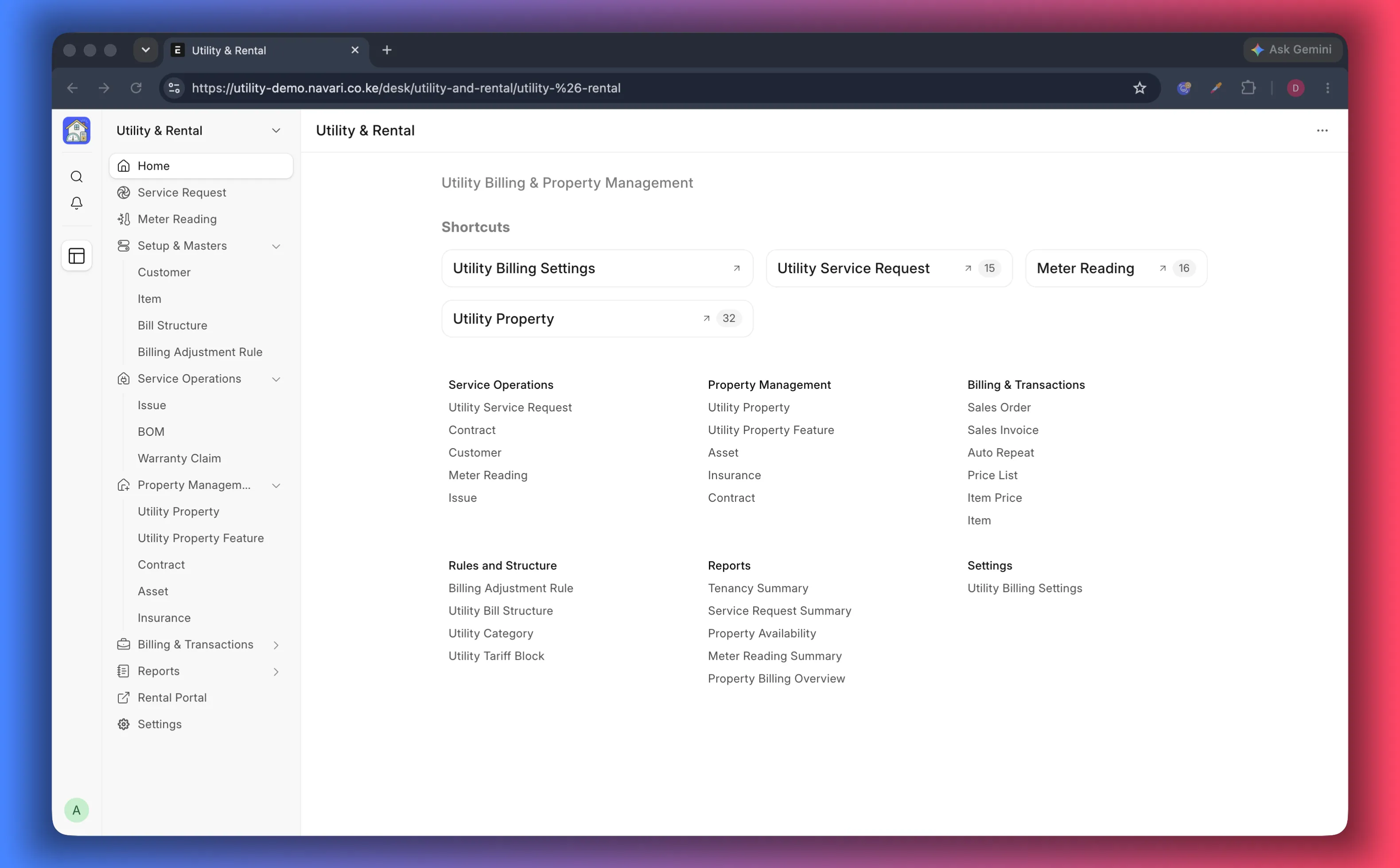
The Utility Billing & Property Management App is a powerful addition to ERPNext, designed to streamline utility billing, property leasing, and tenant management. Ideal for municipal utilities, real estate managers, and property developers.
The two journeys
A. Utility connection and metered billing
- A customer or lead asks for a connection. Create a Utility Service Request.
- Agree the scope (site survey, bill of materials) and the fees on the request.
- Once the request has a submitted Sales Order, create a Warranty Claim for the meter. When the claim is Closed, the meter is linked to the customer.
- Choose how the customer is billed: a Bill Structure Assignment, or a price list with Item Prices.
- Every cycle, record a Meter Reading. Usage is the current reading minus the previous reading.
- When the reading is submitted, it is priced from the Bill Structure if an assignment applies, otherwise from the Item Prices on the price list, and a Sales Order is raised automatically.
- The order is billed (Sales Invoice) and paid, in the office or by the tenant from the portal.
B. Tenancy: from enquiry to rent
- Capture the enquiry and the unit(s) the tenant wants on a Utility Service
Request. - Collect the deposit or booking payment with a Sales Order (optional, or
required — see Settings). - Sign a Contract listing the units, the lease period and the rate
adjustments. - Bill rent every cycle — by Auto Repeat or by Item Price schedule,
depending on your setting. - Bill utilities per unit from meter readings, on the same customer.
- Apply increments, late-payment penalties and write-offs with a Billing
Adjustment Rule. - Tenants follow everything — invoices, meter readings, receipts and support
tickets — in the Customer Portal.
Last updated 1 week ago
Was this helpful?