





Sales and stock documents
Utility Billing Settings decides how the app behaves for the whole site: in
which state documents are created, what must exist before you can bill, and how
rent repeats. Set it up once, before you enter live records.
Sales and stock documents
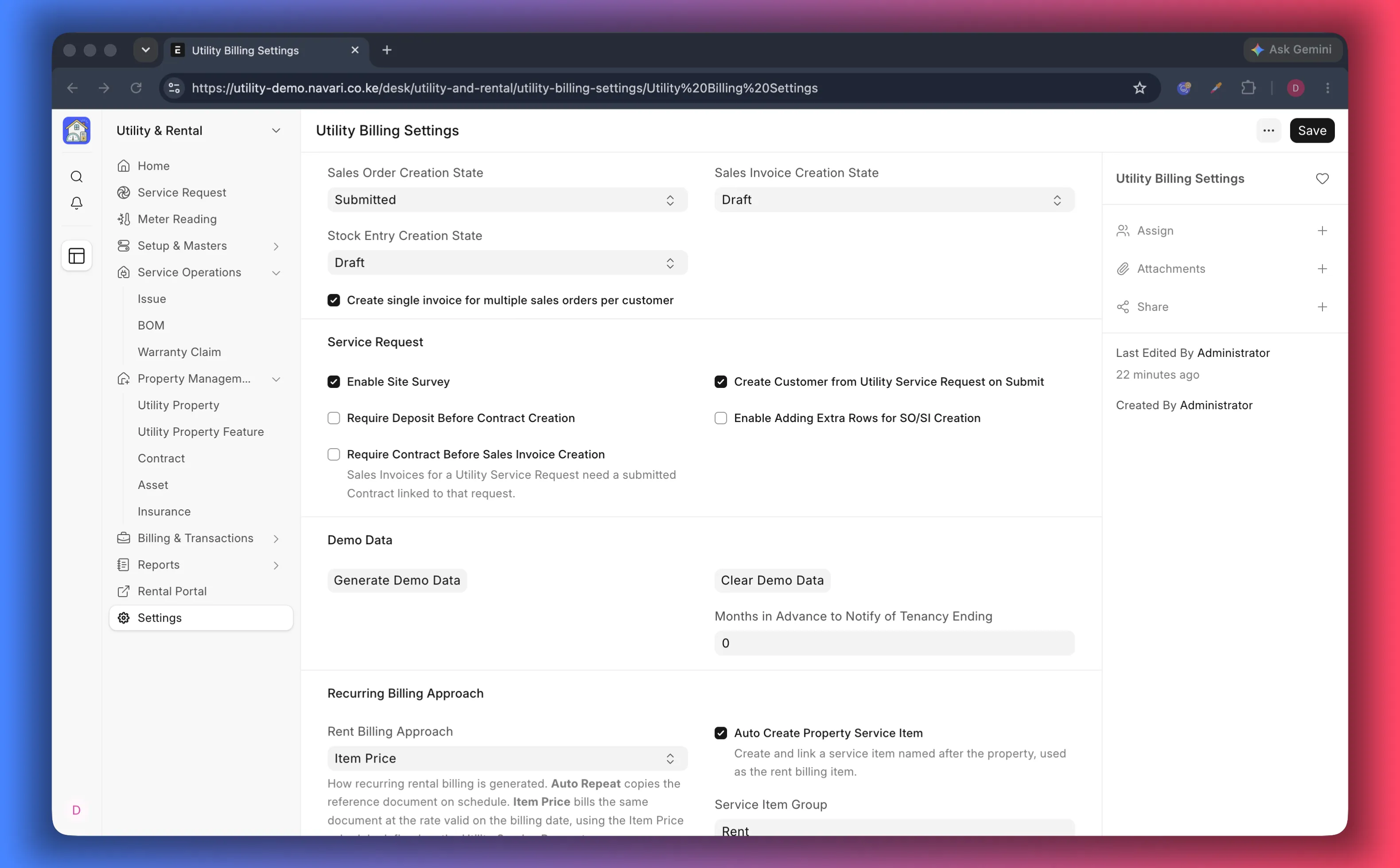
| Setting | What it does | What to choose |
|---|---|---|
| Sales Order Creation State | Whether utility Sales Orders are created as Draft or Submitted | Submitted when the office bills without a second review; Draft when someone must check each order first |
| Sales Invoice Creation State | The same choice for invoices | Keep it equal to the order state so both move together |
| Stock Entry Creation State | State of stock entries created by the app | Leave as it is unless your store needs approval |
| Create single invoice for multiple sales orders per customer | Merges all open orders of a customer into one invoice | Enable when a tenant receives several orders (rent + utilities) and should get one bill |
The customer portal lists only submitted orders and invoices. If a tenant
reports that nothing is showing, check these two states first.
Last updated 2 weeks ago
Was this helpful?